

Welcome to Part 2 of my recap of the Adobe Illustrator Creative Challenges for the month of January. If you missed it, Part 1 went over what the basics of the Creative Challenge and how it works. So, let’s launch right into the assignments and final projects.
These are the projects I enjoyed SO much I decided to to just roll them into their own fictional brand identity. The theme of this month’s Challenge was “Aviation” so for the next project we were tasks with creating our own airline badge and nametag.
The example airline HOCH created was of course, christened, HOCH Airlines. He took the text path around in a full circle and re-enforced our lesson in polygons by adding some stars. I thought for a while for a catchy airline name. I’m a HUGE fan of alliteration so I just googled words that start with the letter “A”. ACORN caught my eye and I just ran with it. Welcome to the brand identity for “ACORN AIRLINES” the airline that specifically accommodates flightless squirrels.

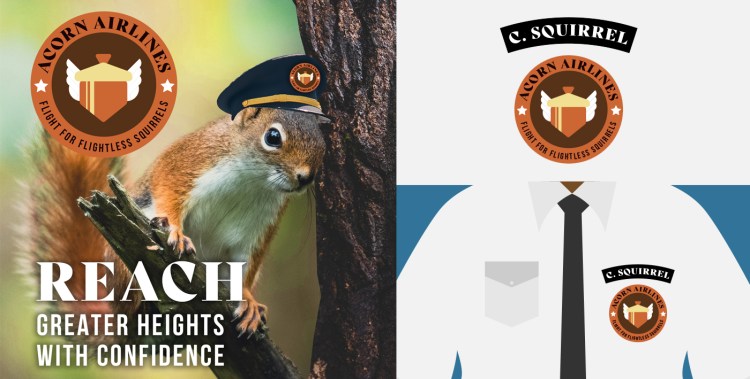
Birds have it made. Flying Squirrels kind of get it right. But there is a hole in the market for straight up destination air travel for squirrels. Acorn Airlines was created to fill that hole in the market.

I recycled my “Travel Tags,” from Lesson 1 in my previous post to make another mock up ad.

The schematics for the plane were a combination of MANY lessons. Gradient Colors (Swatches, Blending Modes & Gradients), Linked Graphics and Art Wrap (Clipping Masks).

The plane was an FREE Adobe Stock Image (Image #389489824) I used clipping masks to add the logo to the tail.
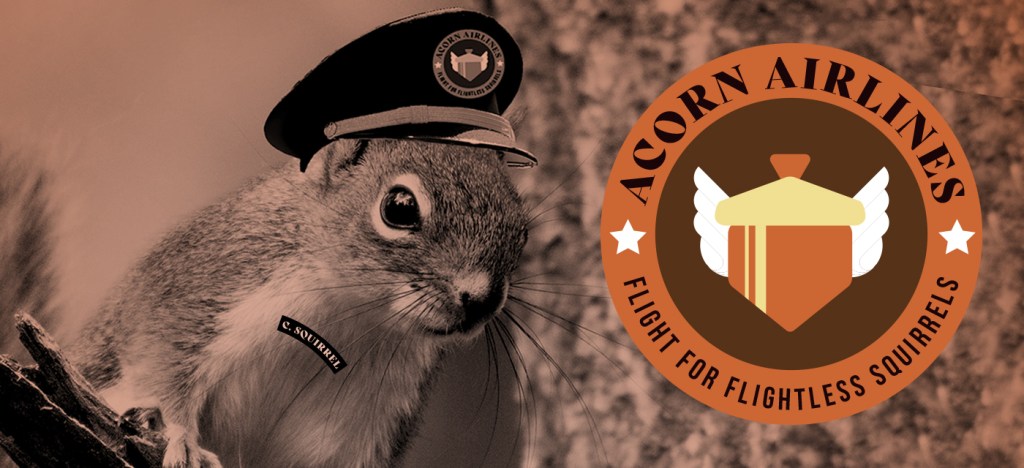
Overall I had a blast with these, and learned so many stinking new skills in one of my favorite programs, Illustrator. The instructor was super engaging, and I had fun merging the individual projects together into one big identity. This also became my FIRST post on Behance (another platform I am getting used to).
The next set of Creative Challenges are already underway. Got to keep up! That’s my goal.
 Penny Doodles
One thought on “Adobe Illustrator Daily Creative Challenges – January (PT2)”