
I declare 2022 MY year to learn more and create more. To kick this resolution, I dug into what Adobe calls their “Creative Challenge.” These are video demonstrations and assignments that utilize Adobe Creative Cloud, the industry standard software when it comes to Graphic Design. The challenges help CREATIVES to continue learning, and stay motivated.

January 2022 Challenges for Illustrator were hosted by Andrew Hochradel and followed the theme of “AVIATION.” The introduction video provided an overview and a warm WELCOME to Challenge newbies (like me). The community vibes and fun learning style made the lessons fly by (har har)!
I watched every video as they premiered but some of the project types them were a little dry for my taste. Learning how to make Scatter Graphs or Pixel Art were not some of my favorites. Just because I didn’t enjoy them doesn’t mean that no one else benefited from them. The world is made up of so many different creatives. Hoch and Adobe deserve a round of applause for their range of prompts!
I wanted to share some of my favorite end-results in this entry, starting with #1Travel Tags (Polygons & Complex Shapes).
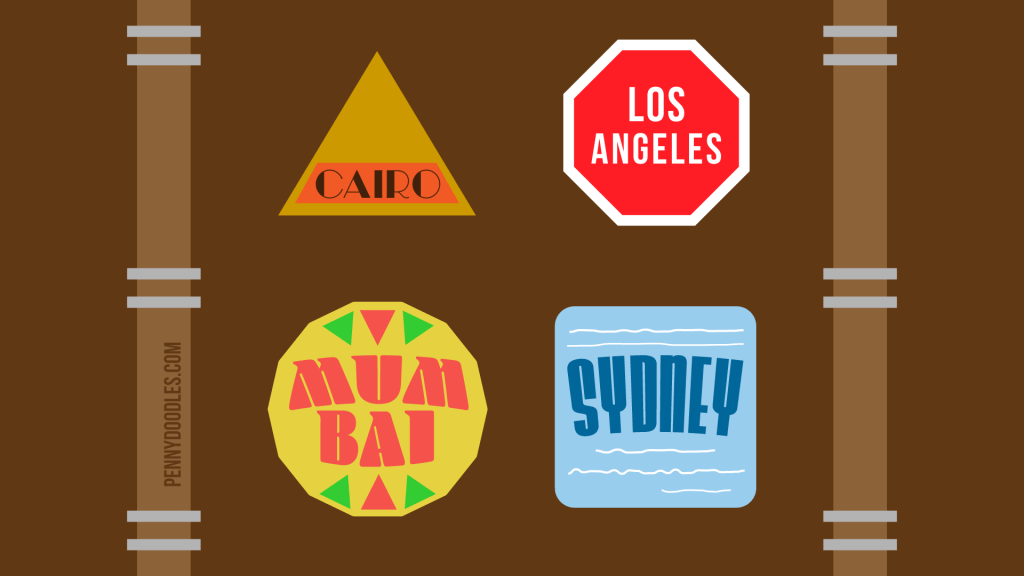
Since this was my FIRST Creative Challenge I didn’t really know how CREATIVE we could get. I followed along with HOCH as we learned different polygon shapes with the intention of creating Travel Tags. The locations were suggested as CAIRO, and LOS ANGELES. The demo ends and we were allowed to go rogue on MUMBAI and SYDNEY.

I was super pleased with how my MUMBAI came out. All the shapes were made entirely with the polygon tool. And the feedback my fellow creatives gave me was the colors, fonts and shapes were a party!
Layered Type (Blends modes & 3D effects) I definitely shy away from using the 3D effects in Illustrator because it causes so much “turbulence” for my computer. BUT the video really helped me feel confident to give it a go.
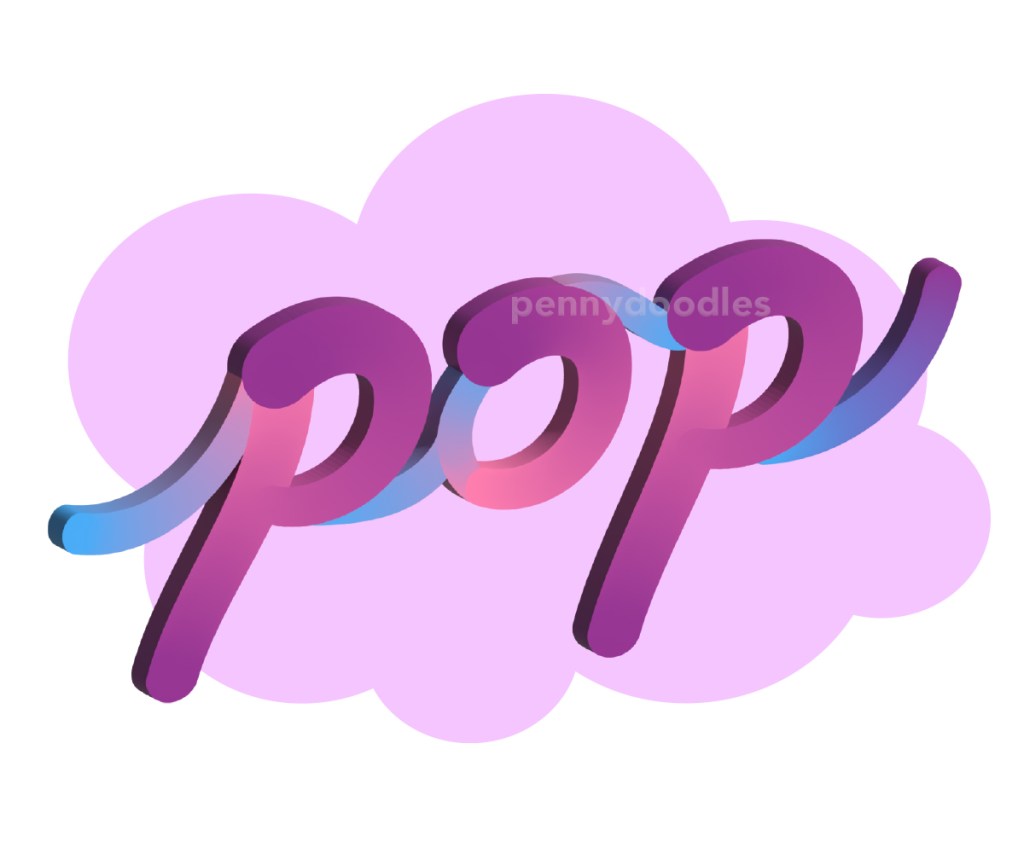
My favorite part of this class was working with the blend tool. I don’t use it a lot and have no excuse not to! I lettered the words “POP” with my Wacom pad (an external surface and pen that instantly translate my handwriting to screen) and blended the spines with gentle cool blues and violets. Definitely using this coloring method in the future.
The next couple of lessons is what REALLY got me inspired though. I sort of ran with combining the remainder of my skills to create a WHOLE aviation brand identity. I’ll save those for Part 2 so stay tuned!
All videos are still available It is still available as a replay on the Adobe Creative Cloud Youtube Channel.
 Penny Doodles
One thought on “Adobe Illustrator Daily Creative Challenges – January (PT1)”